Set up your agent · 3 of 12
A memory that works
What you get from this page
- A one-page memory note about you and your work, which you can read and fix.
- A prompt that updates it at the end of a session, with only what you said or decided.
- A start-of-session habit, so every chat begins knowing you.
3 min read, about 20 to set up
01What it is
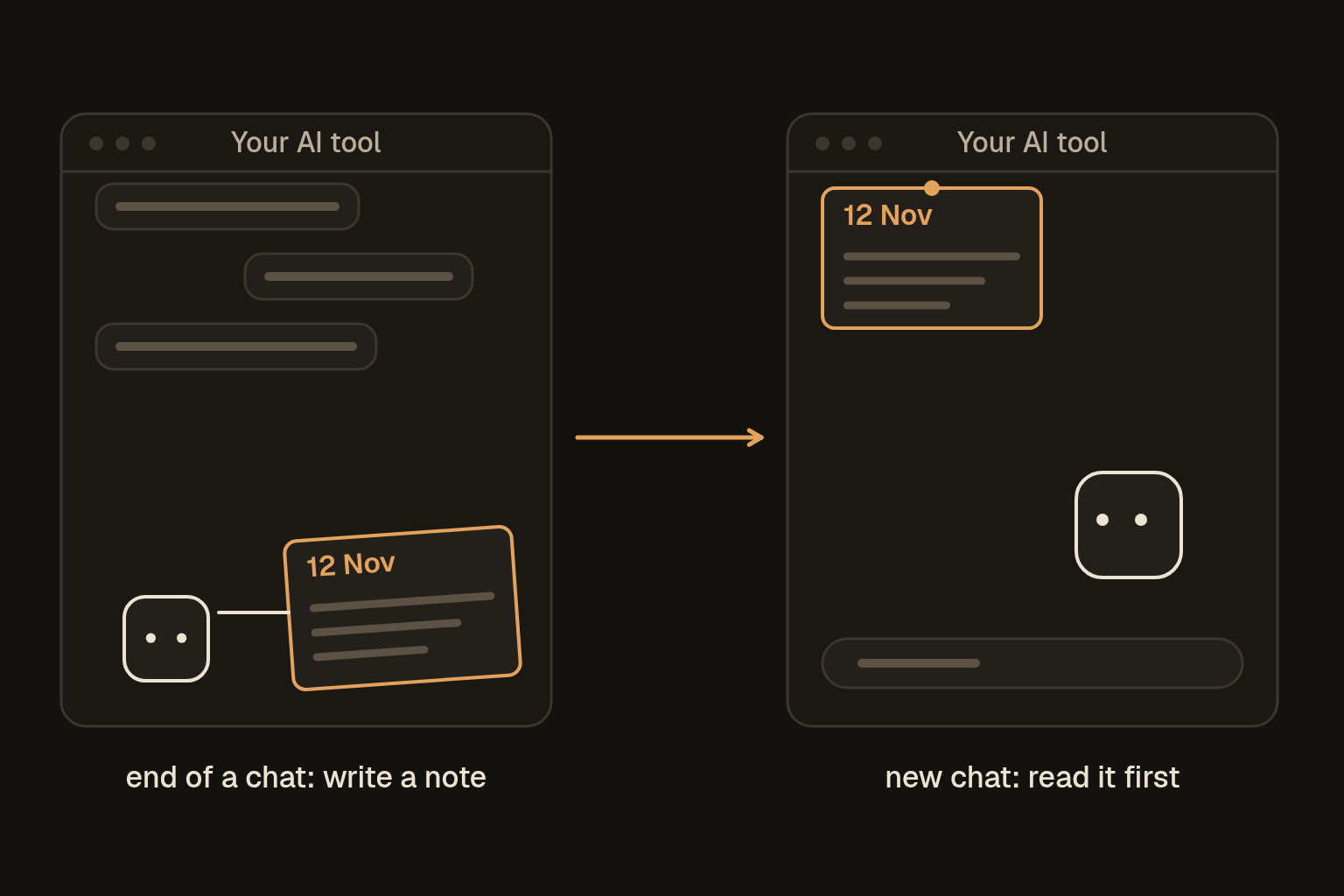
A memory note is one page about you and your work that your agent reads at the start of a chat and updates at the end. It holds who you are, how you like things done, what you're working on, what's been decided and what's still open. It lives in a note you own.
02Why it beats the built-in one
Many tools now have a built-in memory, and it's worth leaving on. It has three limits, though. The tool decides what's worth keeping, it can save a wrong guess about you, and it stays inside that one tool. A note of your own fixes all three, because you can see every line, fix anything that's wrong and paste it into any tool.
The rule that makes it work is simple. Only things you said or decided go in, and nothing the agent guessed about you.
03Set it up
Let the agent interview you instead of starting from a blank page. Describe the kind of work you do and leave out real clients and anything confidential.
I want to set up a memory note you'll read at the start of our chats. Interview me first. Ask up to 10 short questions, one at a time, about my role, my work, who I write for, how I like things done, what I'm working on and what annoys me.

Then write the note in plain language, under one page, with these sections:
- About me
- How I like things (tone, format, length, what to avoid)
- Current work
- Decisions, each with today's date
- Open loops (things waiting on me or someone else)
- Never (things you must not do)

Only include what I told you. Don't add anything you've guessed about me.
Read the note, fix anything that's off and save it somewhere you'll find it. Paste the short version into your tool's standing instructions as well, if it has them and there's room.
04End of each session
Before you close a chat that mattered, paste this along with your current note:
Here's my memory note. Before we finish, update it from this chat.
- Add any decision I made, with today's date.
- Add new open loops, and remove any that are now done.
- Add any preference I stated about how I like things.
Only add things I said or decided in this chat. Don't add anything you've guessed.
Keep it under one page. Give me the whole updated note, then list what you changed.
Check the list of changes, then save the new version over the old one.
05Start of each session
Here's my memory note. Read it, then tell me in one line what you'll keep in mind for this chat.If your tool has projects, you can add the note to a project's files instead, so every chat in that project starts with it.
06Keep it tidy
Once a week, run this, because a memory that only grows ends up full of stale things:
Here's my memory note. Remove anything finished or out of date, merge anything repeated, and keep it under one page. Give me the whole note, then list what you removed and why.07Is it working
Open a fresh chat, paste the note, and ask something that depends on it, such as "draft my usual Monday update" or "what's still waiting on me?". It should answer as if it knows your work. If it doesn't, the note is missing the detail it needed, so add one line.
Treat the note as public-ish. Nothing in it should be something you couldn't email to a stranger, because everything you paste goes to the company that runs the tool.
My own version is a store of facts that every agent reads, where each fact has to quote its source, so an agent can't write down something I never said. You don't need any of that to start. The "only things I said or decided" line does the same job in a note.