Set up your agent · 8 of 12
Save what works
What you get from this page
- A skill for the job you repeat most.
- The two ways to keep one, as a note or as a folder.
- The habit that makes skills get better instead of going stale.
3 min read, about 20 to write your first
01What it is
A skill is a saved set of instructions for a job you do often. It says when to use it, what to feed in, the steps, what to check and what good looks like. Instead of retyping a request from memory, you reach for the skill, and the tenth result is as good as the first.
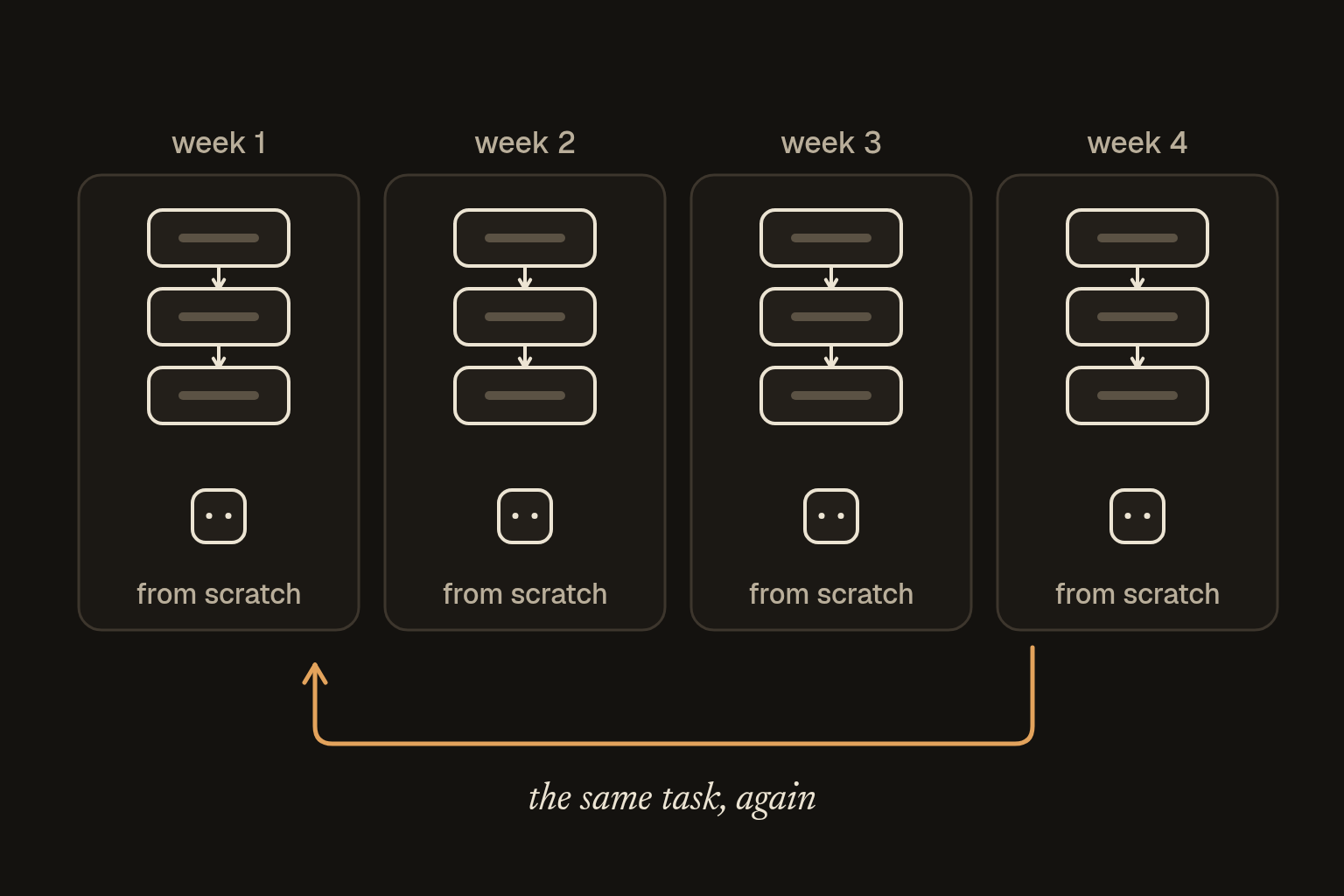
There are two ways to keep one:
- As a note. Keep it in a notes app, paste it in with the day's details and go. This works in any tool, on a free account, and most of the value is right here. Many tools also let you save it as a project's instructions or a saved prompt.
- As a folder. There's a published format that a growing number of agent tools read. A skill is a folder with a file called SKILL.md in it, which starts with a short label saying what the skill does and when to use it. The tool reads only the labels at first, and loads the rest when a job calls for it. Your tool's help pages say whether it reads skill folders.
02When to make one
Make one the third time you do the same kind of job. By then you know what good looks like. For a one-off, write a prompt and move on.
03Write your first
Have the agent write it with you:
I want to turn a job I do often into a reusable skill, saved as a plain note I can use in any AI tool.

The job is: [describe it in one or two sentences].
Here's roughly how I do it now: [your steps, or an example of what goes in and what comes out].

Write the skill with these parts:
- A top section between two lines of three hyphens, with "name:" (lowercase with hyphens) and "description:" (what it does, and exactly when to use it).
- Purpose: one line.
- What I give you: what I need to provide each time.
- Steps: in order, in plain language.
- Checks: what must be true before the result is finished, including any fixed check we can run.
- Good looks like: what a finished result looks like.
- Last step: show me the result of the checks before you call it done.

Ask me up to five questions first if anything's unclear.
Test it on one real job. Where it falls short, fix the skill instead of correcting the output by hand.
04Use it
Use this skill for the job below. Follow its steps and checks, and show me the check results at the end.

Skill:
[paste the skill]

This time:
[paste the details for this job]
The nine starter skills all follow this shape, so they're a good place to start or copy from.
05Keep it sharp
When it gets something wrong, don't just fix the output. Fix the skill, and add a dated line at the bottom saying what changed and why. That line stops the same mistake next time.
Read other people's skills before you use them. A skill is a set of instructions your agent will follow, so treat one from a stranger like any other download.
06Is it working
Run the skill on two different jobs of the same kind, a week apart. If both results meet the "good looks like" line without extra correcting, it's working. If you keep fixing the same thing by hand, that fix belongs in the skill.
I keep 33 skills in one shared folder that all my agents read, and each one has a dated changelog. The habit is the same as above at a bigger scale. Every mistake ends up as a line in the skill, so the next agent doesn't make it.