The AI sidekick operating loop
In this chapter you will learn to
- Run a simple daily and weekly rhythm with your agent.
- Work in passes, not one giant prompt.
- Capture the prompts that work so you stop retyping them.
This chapter ties every moving part of the playbook into one rhythm you'll actually keep.
A habit you repeat beats a clever trick you forget. Here's the loop that makes it stick.
01The problem
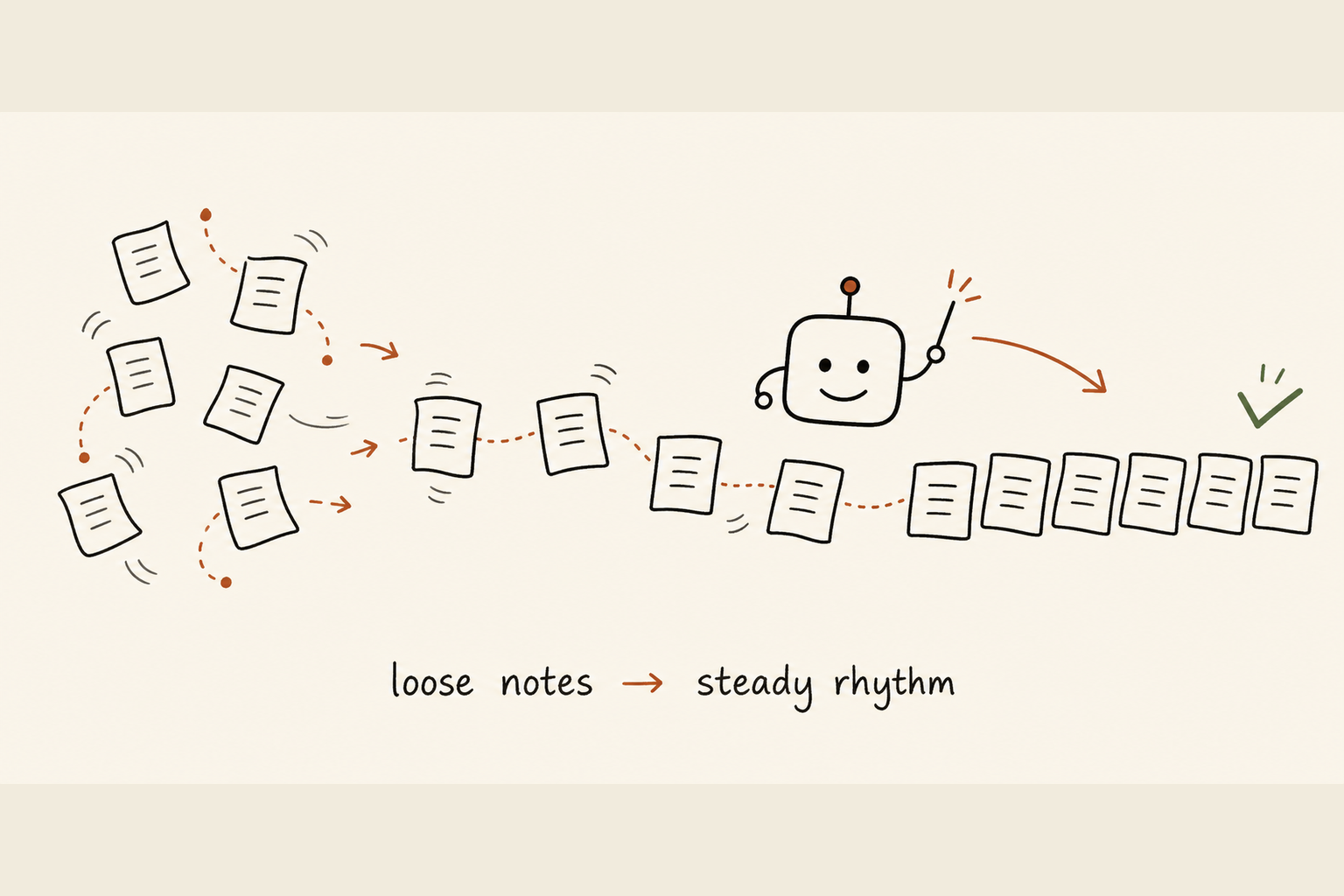
You try AI, get one or two good results, then drift back to old habits.
It's the most common story I hear, and it's not your fault. The tool was never the problem. The missing piece is a routine.
Without one, two things happen:
- Every session starts cold, so you never build the muscle.
- When you do find something that works, you forget it. Next week you retype the same prompt from scratch and start over.
Scattered experiments never add up to a skill.
02The shift
The fix is small: a light, repeating routine for working alongside your agent.
Not a productivity system you have to feed. Closer to brushing your teeth: small, regular, barely noticed after a while.
Most days you do the same four things:
- Plan. Decide what actually matters before you dive in.
- Do. Work the tasks with the agent helping, in passes.
- Review. Check what came back before you trust it.
- Capture. Save anything worth reusing.
Once a week, you step back and tune the whole thing.
Here's the honest part. The loop doesn't make AI more accurate or trustworthy. It makes you more consistent about checking it and reusing what works. That's the real gain, and it compounds.
03Watch me do it
Keep it simple, because anything fancy gets abandoned. Your approved AI tool sits at the centre of my loop every day. Pick whatever connects to your own stack, your approved AI tool or another serious one.
The lesson I learned the hard way: don't run the loop on memory. I used to "remember" my best prompts and retype them, and I lost half of them. Capturing as I go is what prevents it.
Here's my day:
- Morning. I paste in a short plan, three or four things I want done, and ask the agent to flag anything vague or out of order. That two-minute pass catches a lot of "wait, this needs a decision first".
- Through the day. I work in passes, not one giant prompt. I draft, read what came back properly, push back where it's thin, redo. The first answer is a starting point, never the finished thing.
- End of the week. A short review: what helped, what wasted my time, what I kept copying by hand that should become a saved template. I delete prompts that stopped earning their place.
For bigger jobs you don't want to babysit, set them to run on a schedule and just read the result. You don't need that to follow the loop. Most days it's just you and one agent.
04Your turn
Here's the loop in plain steps. Start with the daily one.
- 1Plan (2 minutes)Open your agent. Type the three or four things you want done today. Ask it to spot anything unclear or in the wrong order.
- 2Do (most of your day)Work in passes. Give it a task, read the result, refine, repeat. Keep your real goal in the prompt so it stays on track.
- 3Review (as you go)Check every output before you use it. For anything with names, numbers, dates or claims, verify against a real source. Never paste straight to a client or your boss without reading it yourself.
- 4Capture (1 minute)When a prompt works, save it to a plain notes file with a clear title so you can find it later.
Then the weekly loop, about 15 minutes: look at where AI helped and where it didn't, turn anything you kept retyping into a saved template, bin what stopped helping, and pick one small thing to try next week.
Keep it human. If a step feels like a chore with no payoff, drop it. The loop serves you, not the reverse.
The morning prompt. Use this each day for your plan-and-check pass. Replace the bracketed parts.
You are my work sidekick. Here is my plan for today:

1. [task one]
2. [task two]
3. [task three]

Do three things, briefly:
1. Point out anything vague or that needs a decision before I start.
2. Tell me if the order looks wrong, and why.
3. Suggest which one I should do first and which AI can help with most.

Keep it short and practical. Do not pad it. If something is unclear, ask me one
question rather than guessing.
A starter skill for the weekly review. Save this as a note titled "Weekly AI review". Run it Friday, or whenever suits.
Weekly AI review

This week:
- Where AI genuinely helped me: [list]
- Where it wasted my time: [list]
- Prompts I kept retyping by hand: [list]

Help me with:
1. Turn each retyped prompt above into a clean, reusable template I can save.
2. Suggest which time-wasters I should just stop using AI for.
3. Give me one small thing to try next week. Only one. Keep it easy.
Keep a second note called "My prompts" and drop your best ones in with clear titles. That note becomes your personal toolkit, and it grows on its own.
Let it run itself. If your agent supports scheduled tasks, hand the loop over. Set up an end-of-day summary or a morning brief once, and it runs on its own from then on. Set it once, it runs itself.
Ease into it over 30 days. One focus per week:
- Week 1, just the daily plan. Do the two-minute morning plan each day. Nothing else new.
- Week 2, add review. Keep planning, and start reading and checking every output before you use it. Catch one mistake and you'll believe in this step forever.
- Week 3, add capture. Keep going, and save prompts that work into "My prompts". Aim for three by Friday.
- Week 4, add the weekly review. Run the weekly template once. Tidy up, bin what's dead, pick one thing to try next.
Do this now. Open your agent and run the daily plan prompt above with your real tasks for today. That two-minute pass is the whole loop in miniature.
05Keep it safe
The real risk is that repetition breeds trust, and trust makes you stop checking.
The more comfortable you get, the easier it is to paste output without reading it. That's exactly when an invented figure or a wrong date slips through to someone who matters.
A few firm rules keep you out of trouble:
- Read before you send. Always read the output before you send or publish it.
- Verify the facts. Check names, numbers, dates and quotes against a real source, every time, especially when you feel confident.
- Guard the data. Don't paste confidential or personal information, yours or anyone else's, into an agent unless you know and trust where that data goes.
- Check the policy. Read your workplace rules before connecting AI to work email, files or customer data.
AI gives consistent, fluent answers, which can make a weak idea sound polished. The loop should make you more sceptical of clean output, not less. If something matters, a human still owns the final call. That's you.
06The payoff
Once the loop is yours, the change is quiet but real. You stop starting cold.
You open the tool first thing, catch the mistakes that used to slip through, and reach for a saved prompt instead of typing one from scratch. You get a little faster every week instead of forgetting what worked.
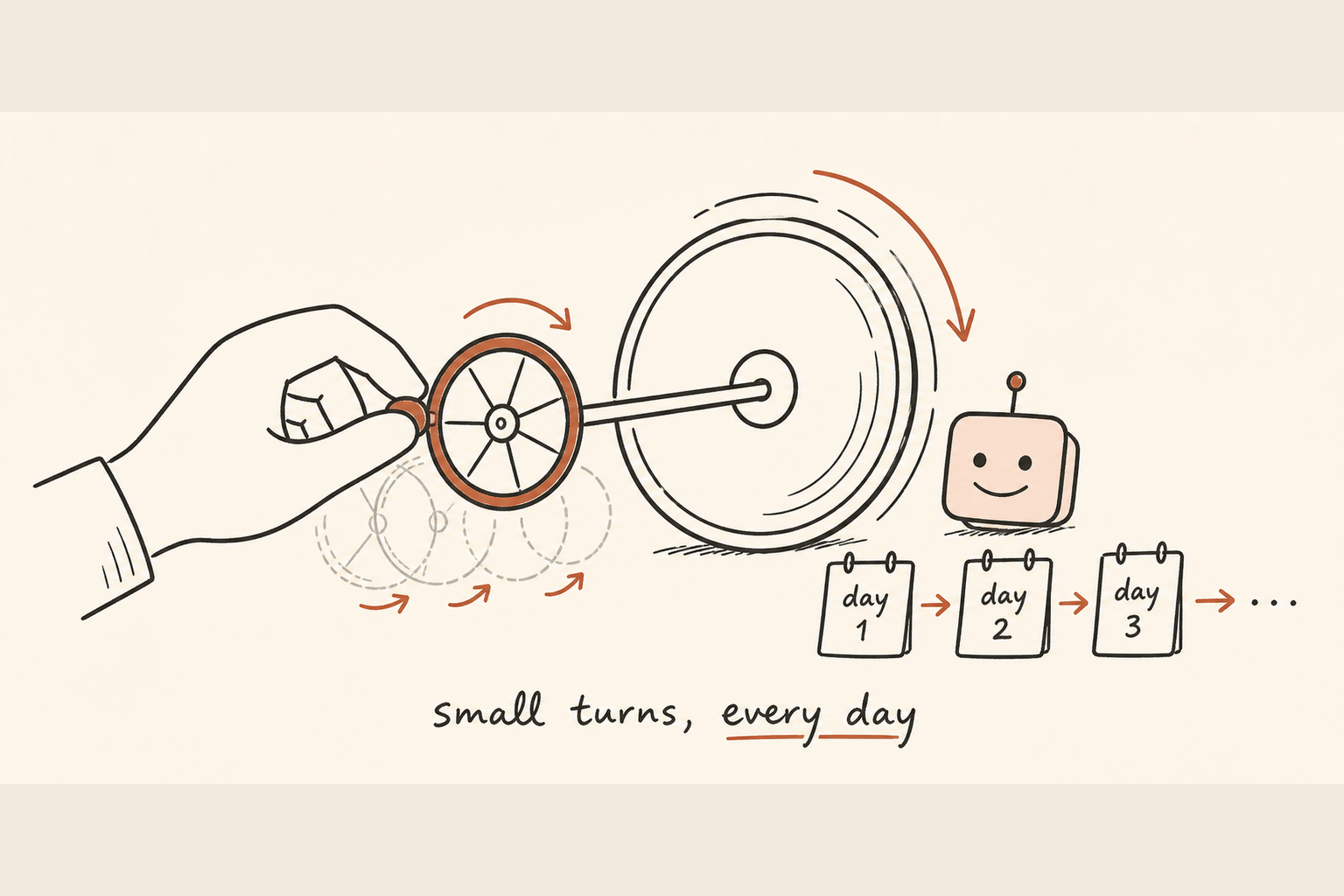
After 30 days you'll have a loop that feels like yours, not like a course you sat through. Some weeks you'll skip a step. That's fine. Come back when you can.
That's the playbook. You've got the tools, the habits and the loop to keep them running. Start small, stay honest, keep what helps and drop what doesn't. You've got this, and you're not doing it alone.