Set up your agent · 5 of 12
Check the facts
What you get from this page
- Sources for every important fact, as it writes.
- A second pass that checks the claims with fresh eyes.
- A check that gives the same result every time, built into the job.
4 min read, about 20 to set up
01What it is
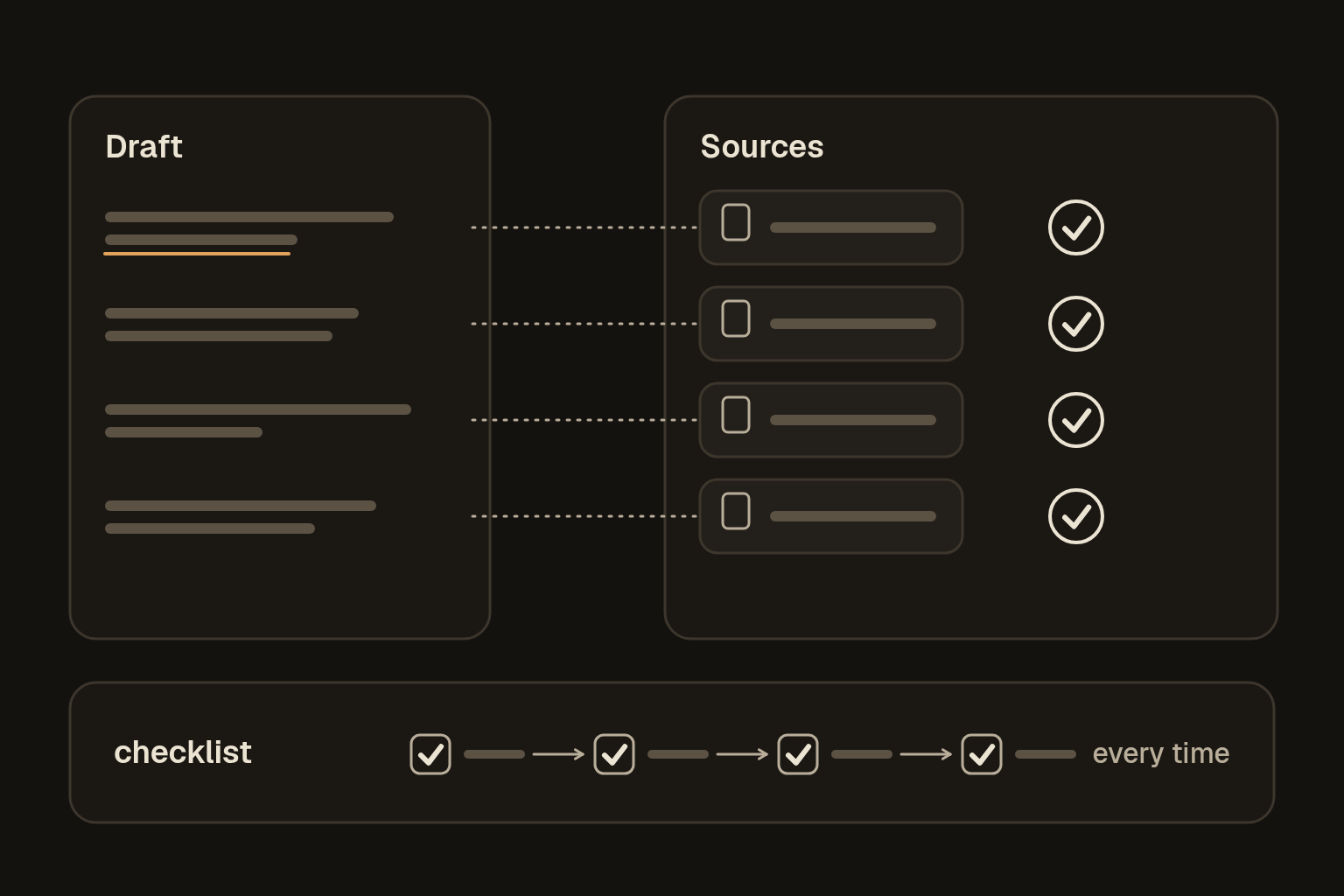
Three layers of checking, from cheap to strong. The agent names its sources as it goes. A second pass in a fresh chat checks the claims. And a fixed check, one that gives the same answer every time, covers anything that can be checked mechanically. Why it makes things up explains why all three matter.
02Sources as it goes
Add this to your standing instructions:
For anything important (names, numbers, dates, prices, quotes, rules, what a person or product does), say where it came from: something I gave you, a page or document you actually opened in this chat, or your general knowledge. Never name a source you haven't opened.
If you can't check it, say so plainly. Never present a guess as a fact.
At the end of any answer with important facts, list the ones I should check before I use them.03A second pass
For anything going to someone else, open a fresh chat, paste the draft and the sources, and run this. A fresh chat matters, because the chat that wrote the draft is inclined to agree with itself.
You're checking a draft. You didn't write it, and your only job is to find what's wrong.

1. List every checkable claim in the draft: names, numbers, dates, quotes, rules and statements about what someone did or said.
2. For each one, ask an open question instead of a yes or no one. For example, ask "When did it launch?" instead of "Did it launch in May?"
3. Answer each question from the sources I've given you, and quote the line you used.
4. Mark each claim as matches the source, doesn't match, or not found.
5. Don't fix the writing. Only report the claims.

Draft:
[paste the draft]

Sources:
[paste the sources]
Then fix anything marked "doesn't match" or "not found" yourself, or take it out.
04A check that runs the same way
A checker that's an AI is still an AI. It can be fooled or miss things in the same way the first one did. So for anything that can be checked mechanically, use a check that gives the same result every time, such as a calculation, a count or a fixed list of yes-or-no tests. That's what a deterministic check means.
Plenty of everyday jobs have parts like that:
- The numbers add up, and the totals match.
- Every figure matches the source it came from.
- Every date is a real date, in the right year.
- Every section that has to be there is there.
- No [gaps] or placeholders are left in.
- It's under the word or character limit.
- Every link opens.
If your tool can run code, which most of the big ones can on at least some plans, have it write the check as a small script and run it. Free plans often can't, and the checklist works just as well. If it can't, have it write a checklist with nothing that needs judgement, and work through it yourself. A spreadsheet formula works too.
Adding up only catches a number that doesn't fit the others. A figure that's wrong everywhere still adds up, and it only shows when you compare it with where it came from, so give the check the source as well as the draft.
For [this kind of document], write me a check that gives the same result every time it runs.
If you can run code, write a short script, run it on the draft below and show me the output.
If you can't, give me a numbered checklist where every item is a plain yes or no, with nothing that needs judgement.

Check that:
- [the numbers add up and the totals match]
- [every figure in the draft matches the source below]
- [every date is real and in the right year]
- [every required section is there: list them]
- [no square-bracket gaps are left]
- [it's under N words]

Draft:
[paste the draft]

Source:
[paste the figures or document the draft is based on]
Save the script or checklist it gives you, in your note or as a skill, and use that same one every time. A new one each time isn't the same check.
05Make it automatic
A check only helps if it runs every time, and remembering is the weak point. So build it into the job:
- In a skill. Add a last step to the skill, such as "Before you call it final, run the check and show me the result." See Save what works.
- In your standing instructions. "Before you give me anything final, run the check we agreed for that kind of document, and show me the result."
- In a routine. Have a scheduled job run the check on whatever it produces. See Routines.
The rule that makes it work is that "done" means the check passed and you've seen the result.
06Is it working
Plant a mistake and see if it's caught. Change one number so a total doesn't add up, change a figure so it no longer matches the source, or leave a [gap] in, and run your checks. The fixed check should catch it every time. If the second pass misses something, add it to the fixed check, if it can be checked mechanically.
This guide has a fixed check of its own. Before a page can go live, a script checks that every signed-off sentence is still there, every link opens and nothing waiting on my approval slips through. It checks words and links and can't check layout, so the pages still get looked at in a browser before they go live.