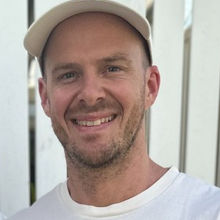
Hey, I'm Joel. AI Solutions Engineer based in Brisbane
I’ve been building PCs from scratch since I was 10, where gaming got me into hardware, and that’s carried over into being an inference nerd and figuring out how AI models run. I also run local models on my Mac Studio and Mac Mini using pooled memory.
I’m a power user of agents and harnesses, and I do a lot of vibe coding. I use them to try ideas and build things I want to use. A lot of how I learn comes from throwing myself in the deep end and just figuring it out.
I’ve also co-founded and sold a coffee business. Outside of the tech, I’m into EDM and CrossFit, and I’m a family bloke and a dog person.
Things I've built.
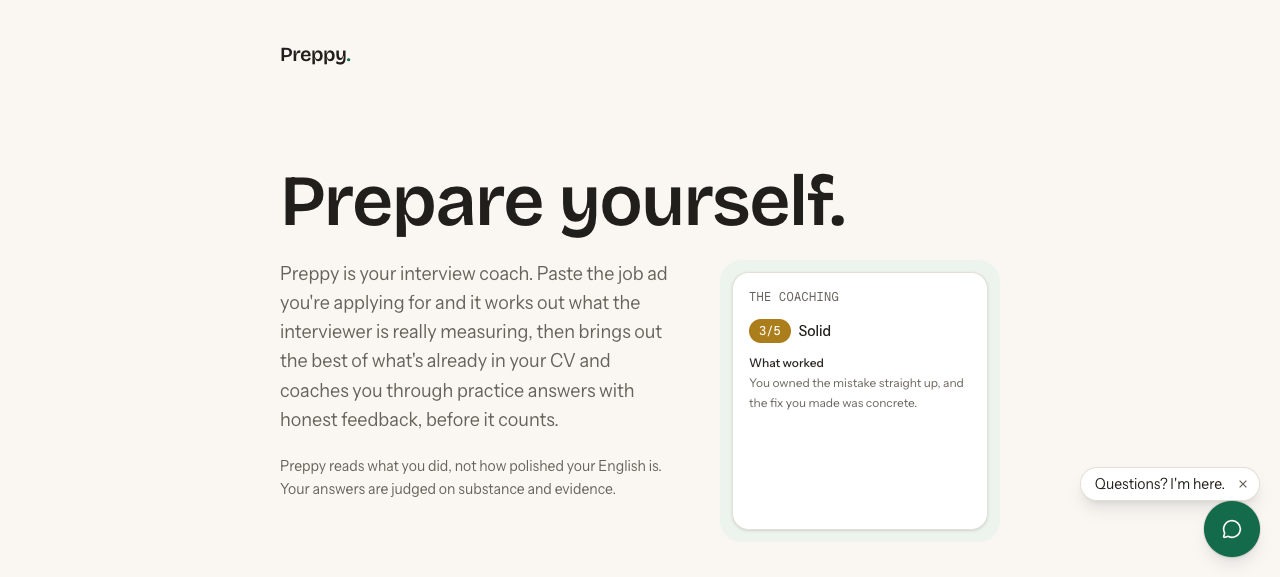
An interview prep coach that tailors your CV to a job ad and gives feedback on practice answers.
preppy.itsbrill.ai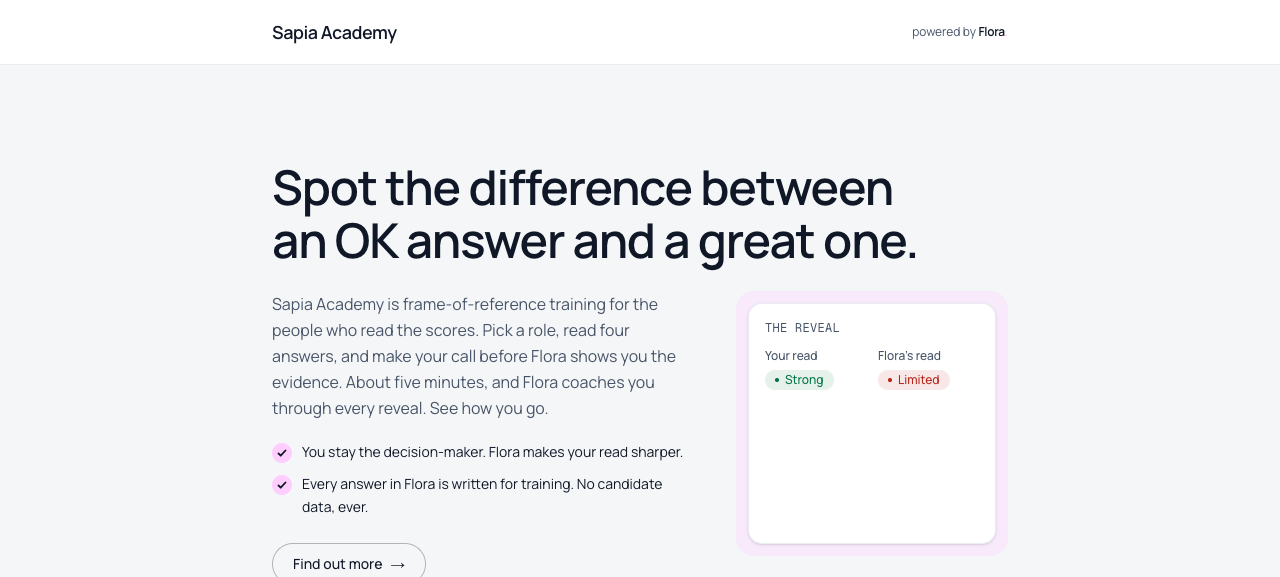
A training platform that helps recruiters and hiring managers assess interview answers.
Built for Sapia.ai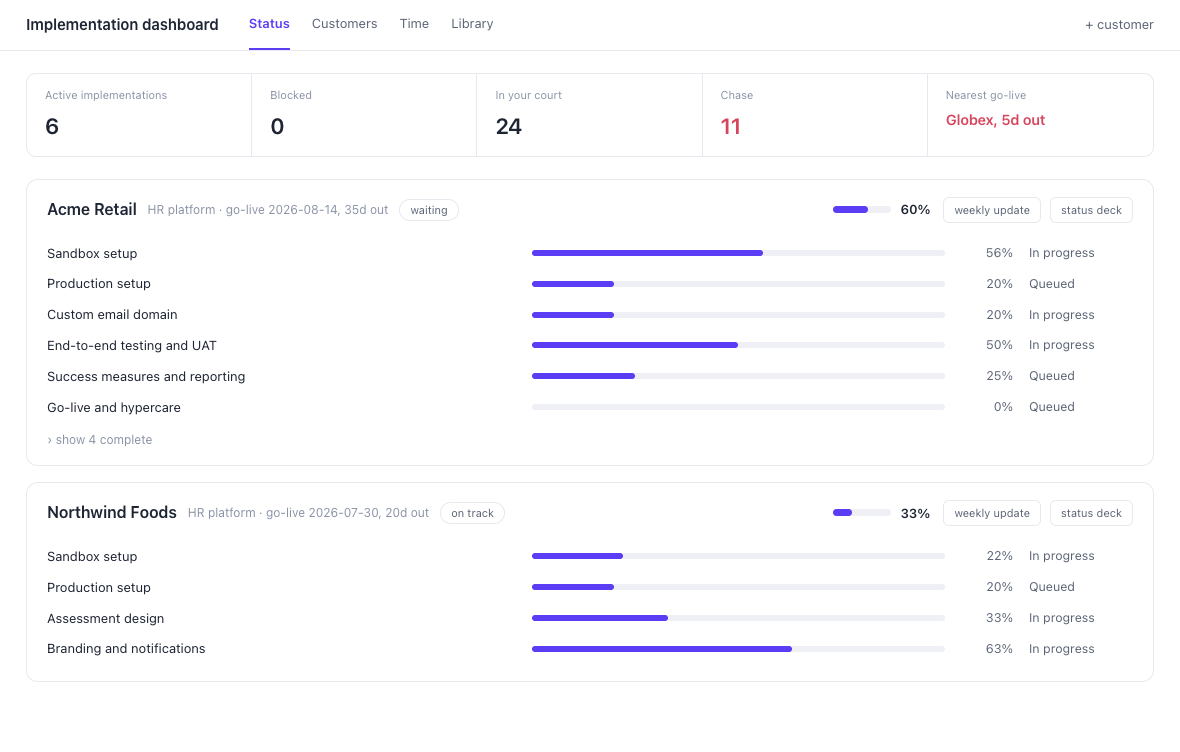
A dashboard for keeping customer projects, tasks and follow-ups in one place.
Private tool · concept shownTools for managing the day-to-day admin of an electrical contracting business.
Client work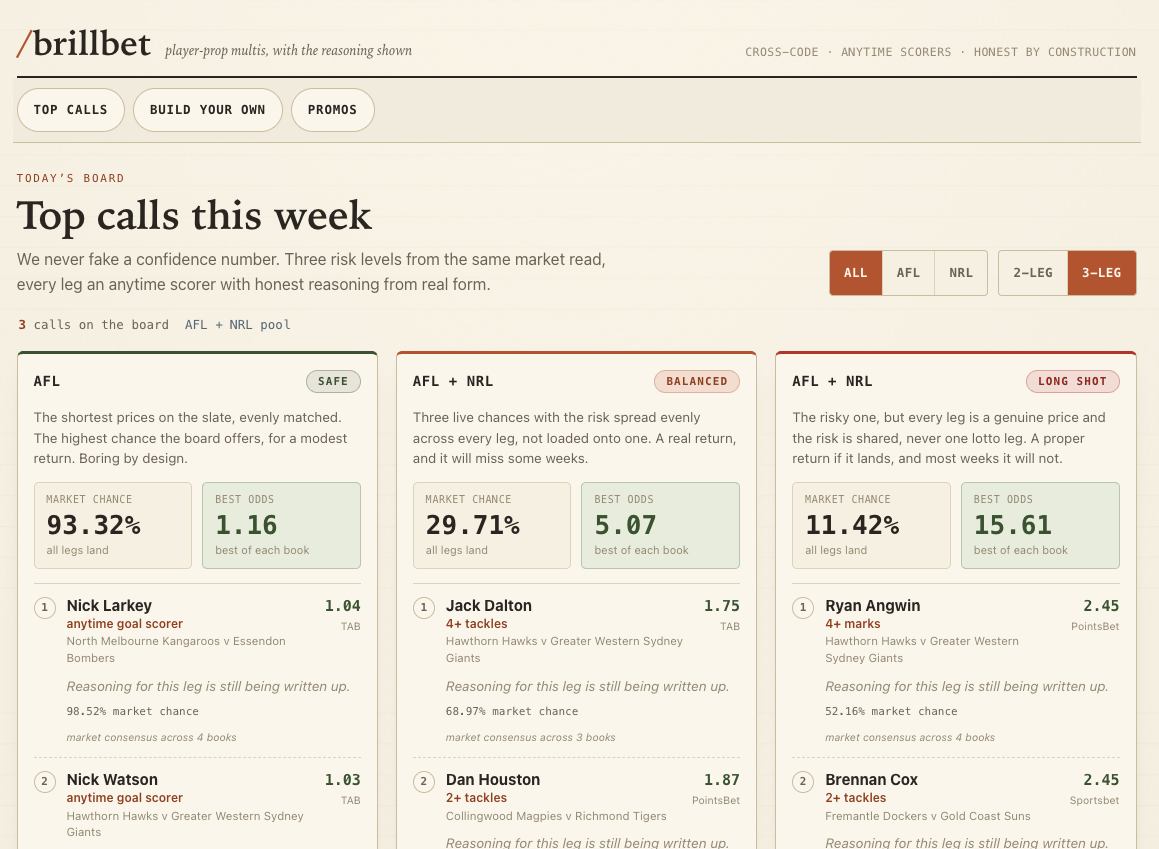
A tool for analysing upcoming games and tracking predictions against results.
Concept shown brill.bet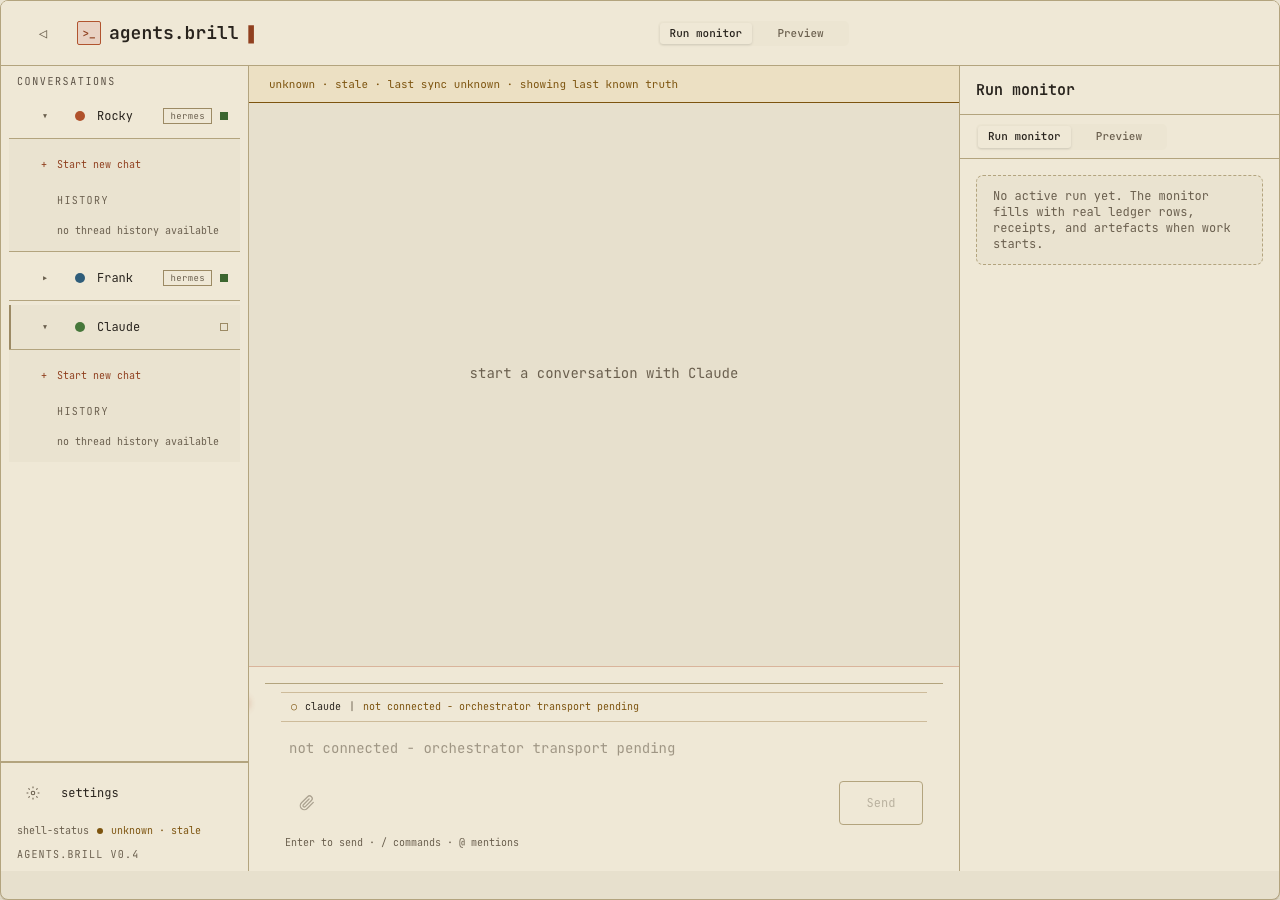
An app for running agent sessions across different harnesses, with the work history in one place.
agents.itsbrill.aiA shared memory system for carrying context and past conversations between agent harnesses.
Private infrastructureMore projects on GitHub.
Free guides.
A guide to setting up Copilot around your work and the tasks you do regularly.
Read the Copilot guideHow I use AI for everyday work, from getting started to building reusable workflows.
Read the broader guideSome of the tools covered require a paid plan or workplace access.
Work with me.
AI setup, one-on-one
We get on a call and set up a workflow around a task you want help with.