Start here: what this guide will help you build
Before you start
- A free account with an AI tool, ChatGPT, Claude or Gemini. That is the only must-have to begin.
- A paid plan matters only later, when you connect the agent to your email, calendar or files. Around US$20 a month, separate from this guide.
- Never opened one? The Getting started guide walks you through your first five minutes, screenshots and all.
In this chapter you will learn to
- Turn one repeating task over to your agent this afternoon.
- Brief it like a sharp new hire, and keep your hand on the wheel.
- Start a playbook note that grows into your real asset.
Turn an everyday AI agent into a sidekick that quietly handles the busywork, at work, in your business, or in your personal life. No code, no jargon, just you and the tools you already have open.
This is the full guide: ten chapters, dozens of worked examples, and nine ready-to-run starter skills you paste straight into your AI tool and use today. Work through it in order, or jump to the chapter you need. Want a more complex setup and a deeper technical dive? Joel does one-on-one consulting.
01The problem
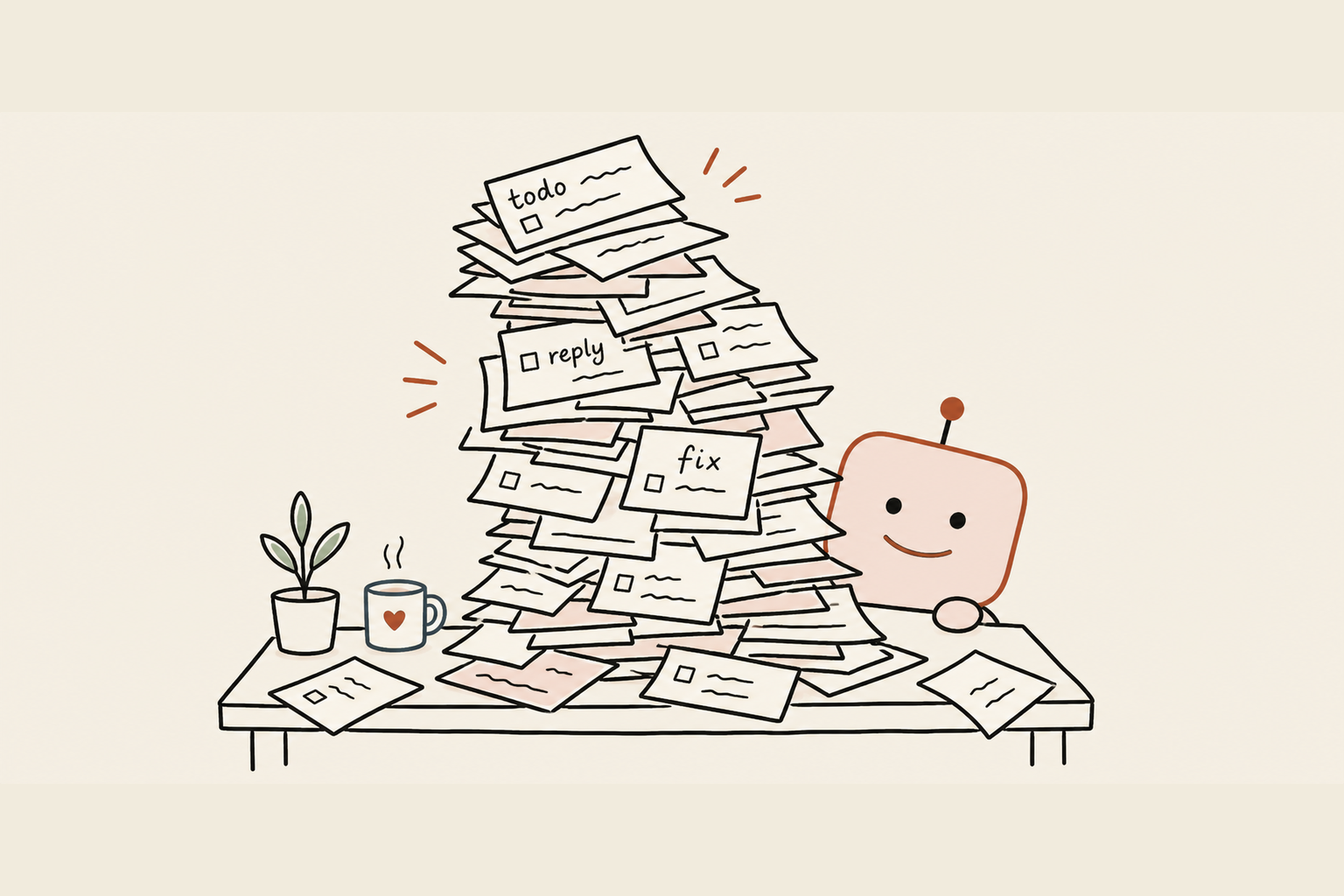
Your week is a thousand small tasks, and none of them are your real job. The same kind of email, answered again. Updates, chased. Notes turned into a tidy summary. The report reformatted the way your boss likes it. None of it's hard. All of it eats your attention, and by Friday you're not sure you moved anything forward.
Same story whether you're running a team, a business, a household, or just curious what the fuss is about. Most people meet an AI tool and use it as a smarter search box: ask, copy the answer, done. Helpful, but you're still doing all the carrying.
02The shift
Stop using AI as a chatbot. Start using it as a connected sidekick.
A quick word on names. The AI tools you already know are increasingly called agents. An agent is just an AI you chat with that can also take actions and connect to your tools, not only answer in a box. I'll call them agents from here, and the whole guide is about turning yours from a chat box into a sidekick that does the work.
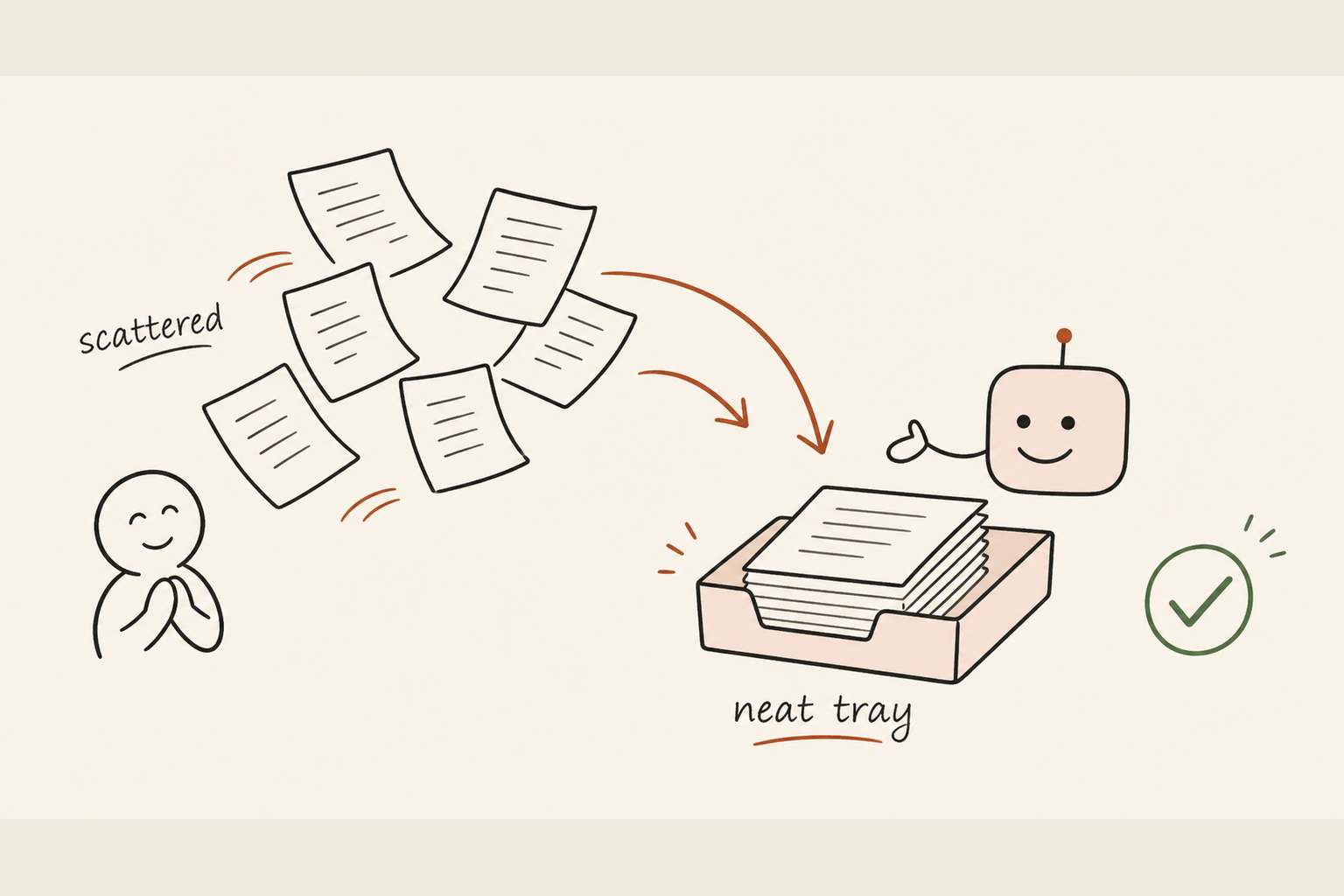
A connected sidekick sees what you point it at, your email, calendar, a document, your files, and takes a few steps on its own: reads the thread, drafts the reply, sorts the inbox, hands you something that's 95% done. You stay in charge. It does the legwork.
A heads-up before we begin. Agents have a few quirks worth knowing: a working memory that fills up, sessions, and a memory you can set. They're all easy to manage once you've met them, and we'll do that properly in chapter 3, so nothing catches you out.
03Where you'll work from
Use a desktop app, not a browser tab, and let it become your cockpit. Check your favourite AI or agent for a desktop app, like Claude Desktop or Codex. Install it. A browser tab gets closed and forgotten; an app that's always open becomes the place you start your day.
Here's the shift most people miss. Once your agent is connected, you stop jumping between your email, your messages and ten tabs to get things done. You sit in one place, the agent's composer, and tell it what you need. It drafts the email, sorts the inbox, writes the message, and you stay put, approving and steering. The app becomes the cockpit; your other tools become things it reaches into, not places you have to go.
That one change, working from the composer instead of bouncing between apps, is the difference between checking AI now and then and running your whole day through it.
04Watch me do it
Here is the first win: use your AI tool to clear the repeat admin before it steals the day.
My normal morning is boring in the best way:
- Inbox. Routine replies are drafted. I read, fix the tone, send. An hour becomes ten minutes.
- Through the day. Meeting notes become actions, a week's numbers become a short summary, and clumsy paragraphs get rewritten until they sound like me.
- Bigger jobs. The same move scales up later, but you don't need the heavy version to get your week back.
One rule sits under all of it: I keep my hand on the wheel. I read what goes out before it goes out, and anything risky stays "draft only, I press send".
Why trust me on the simple version? I run a much deeper setup in my own work, so these ideas have been stress-tested beyond ordinary admin. You don't need that setup. Most of the value comes from one approved AI tool, one clear instruction, and one human who checks the result.
It climbs well past email. Once you're comfortable, the same moves build a hyper-personalised dashboard for your work, or a read-only view that pulls several systems into one place. Run a small or medium business and you could build toward one page: stocktake notes, sales signals, open customer requests, who's on site today, when to reorder supply. Start with the manual version. Connect approved sources only once the habit has earned it.
The dashboard ladder is deliberately simple:
- 1Manual cockpitStart with one note you update by hand with your top three priorities, live work, blockers and parked items.
- 2Connected read-only cockpitWhen the habit is useful, let your AI tool read approved sources like calendar, files or email and help refresh the note.
- 3Scheduled briefOnly after that, set a recurring morning or weekly brief that drafts the update for you to approve.
That order matters. The guide never asks you to jump from zero to a magic automated dashboard.
05Your turn
Start today, this afternoon, with what you've got.
The five moves. This is the whole job:
- 1Pick one repeating taskYour most frequent small one, not your hardest. Frequency beats difficulty for your first win.
- 2Open your agentFree or standard is fine to learn on.
- 3Brief it like a new hireWhat you want, who it's for, the tone, and one example of a good result.
- 4Check it properlyRead every word. Fix it by telling it what to change, not by silently rewriting, so it learns.
- 5Save what workedKeep the good instruction in a note to reuse.
Do that once and you've made the shift. Everything after is the same move, widened.
Paste this in for your agent's first proper drive:
You are my hands-on assistant. Before you do anything, ask me up to
five short questions to understand: the task, who it's for, the tone
or format, one example of a result I'd be happy with, and anything
you must never do. Then produce a first draft, list anything you
assumed, and never invent facts or names. Wait for my answers first.
Watch one work.
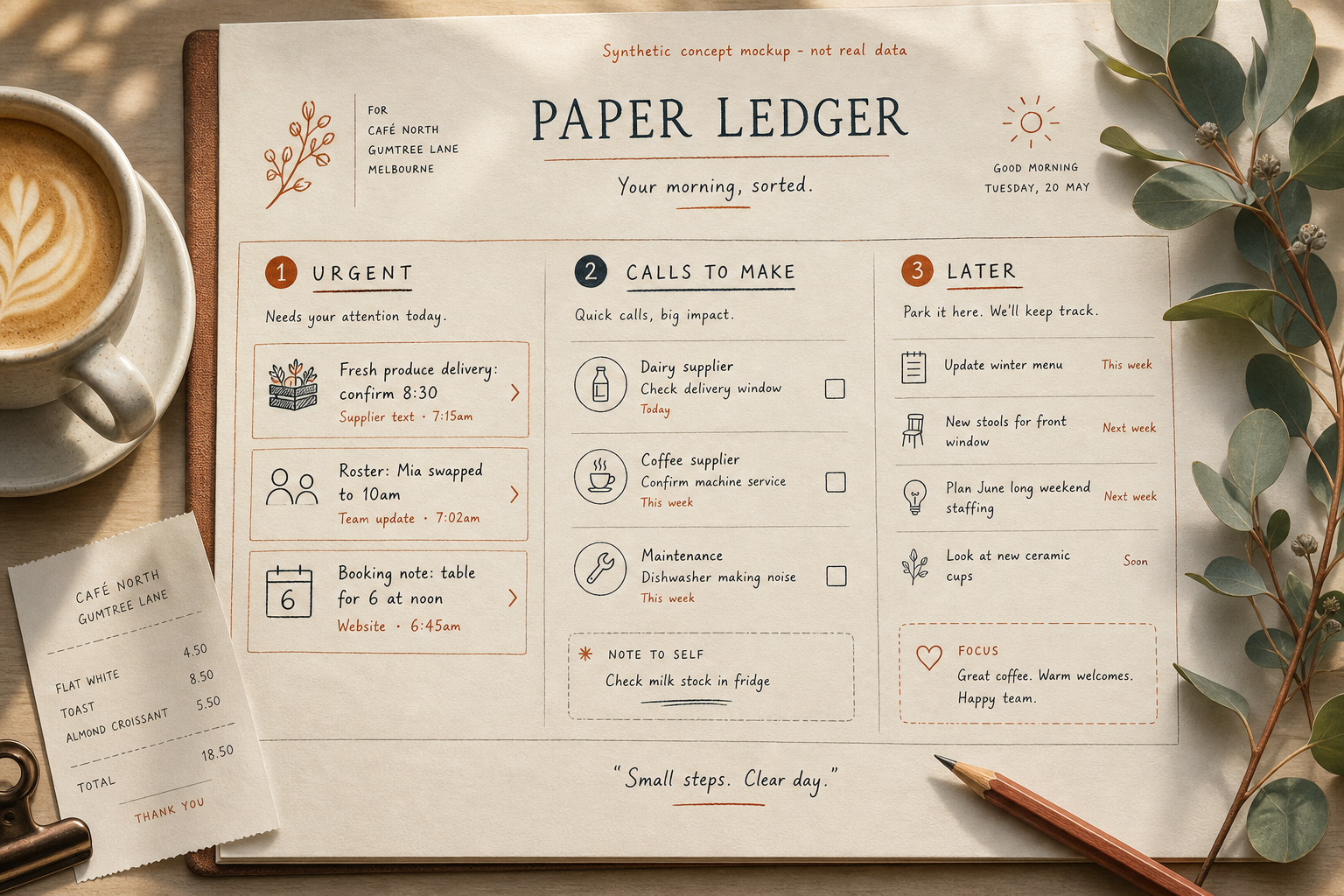
- Input: a cafe owner has three supplier texts, two roster changes and five booking notes.
- Prompt: "Read these notes. Make me a 10-minute opening brief, urgent first, then calls to make, then anything I can ignore till tomorrow. Don't invent names or prices."
- Output: a short brief, milk-delivery risk, one roster gap, two callbacks, three non-urgent notes.
- Edit and time saved: the owner fixes one supplier name, removes a private staff detail, and saves about 20 minutes before the doors open.
Find your version. Same move, your words:
- Tradie: a voice note after a site visit into a quote follow-up and materials list.
- Shop, cafe or salon: bookings, staff notes and customer follow-ups into one opening brief.
- Teacher or aide: lesson notes and parent messages into a tidy action list, no student names.
- Non-profit: volunteer updates into a grant-ready progress summary.
- Jobseeker, returner or student: messy history or study notes into role-specific notes, no invented credentials.
- E-commerce, support or ops: stock issues, delays, complaints and supplier chases into one daily brief.
- Recruiter, property manager, consultant or agency: the same pattern for client updates, candidate replies, listings, captions and weekly reports.
- Regulated or anxious? Stay copy-paste-only, strip names, and use AI for sorting and drafts, never for decisions, payments, or health, legal and identity calls.
Then start a note called "My AI playbook". Every time the agent does something well, save the prompt that worked, with a one-line trigger and a good example. In a fortnight you'll have a library of jobs it runs reliably, in your voice. That note is your real asset.
06Keep it safe
Trust slowly, verify everything, keep the keys to the dangerous drawers. The same instinct you'd use with a new hire in their first week.
- Keep a human on anything irreversible. Sending, paying, deleting, signing, set those to "draft and wait for me". You press the final button.
- It can be confidently wrong. Check any fact, name or number yourself before you forward it.
- Connecting means granting access. Only connect tools you trust, at the least access that does the job, and revoke what you don't use.
07The payoff
You stop being the bottleneck on your own admin. The boring, repeating third of your week gets handled in first draft. Your attention goes to the work that's genuinely yours, whether that's your job, your business, or just having your evenings back.
The map. Ten chapters, from foundations to a real working setup:
- Start here. The shift from chatbot to connected sidekick, the chapter you're in.
- Prompting properly. Brief your agent like a colleague and get clear results.
- The basic concepts. What actually makes an agent reliable.
- Make it yours. Personalise it once, so every answer fits you.
- Staying safe. Simple guardrails so you keep control.
- Connect your tools. Hook up your first work tool, safely.
- Everyday workflows. Inbox, calendar, meetings and documents, handed off.
- Reusable skills. Turn a good result into a workflow you reuse.
- Your dashboard. One calm page that holds your whole week.
- The operating loop. The weekly rhythm that ties it all together.
Read in order if you're new, or jump to what you need. The guide also includes a worked-examples appendix. The everyday jobs, inbox, scheduling, meetings, documents, follow-ups and support, each shown across a few kinds of work. Plus supplier orders, working across languages, rosters, improving writing you've already done, spreadsheets, and tailoring a CV. Every one shows the messy input, the prompt, the output, your edit and the time saved.
Want a structure? Give it a 30-day run: a chapter every few days, one task automated each week. No need to rush, no need to be technical. You just need to start, and you already have.