Prompting properly
In this chapter you will learn to
- Brief any task in six clear parts, the way you would brief a sharp new hire.
- Turn a flat one-liner into a draft you would actually send.
- Save a reusable brief you will lean on for everything after.
Most people type into AI like it's a search box or a text to a friend. Be specific and brief it like you're talking to a contractor instead, and you stop getting fluff.
This chapter is the single skill that fixes "AI is useless". It's almost never the AI. It's the brief.
01The problem
You type "write a follow-up email", get something flat and generic, and after five rounds of tweaking you write it yourself.
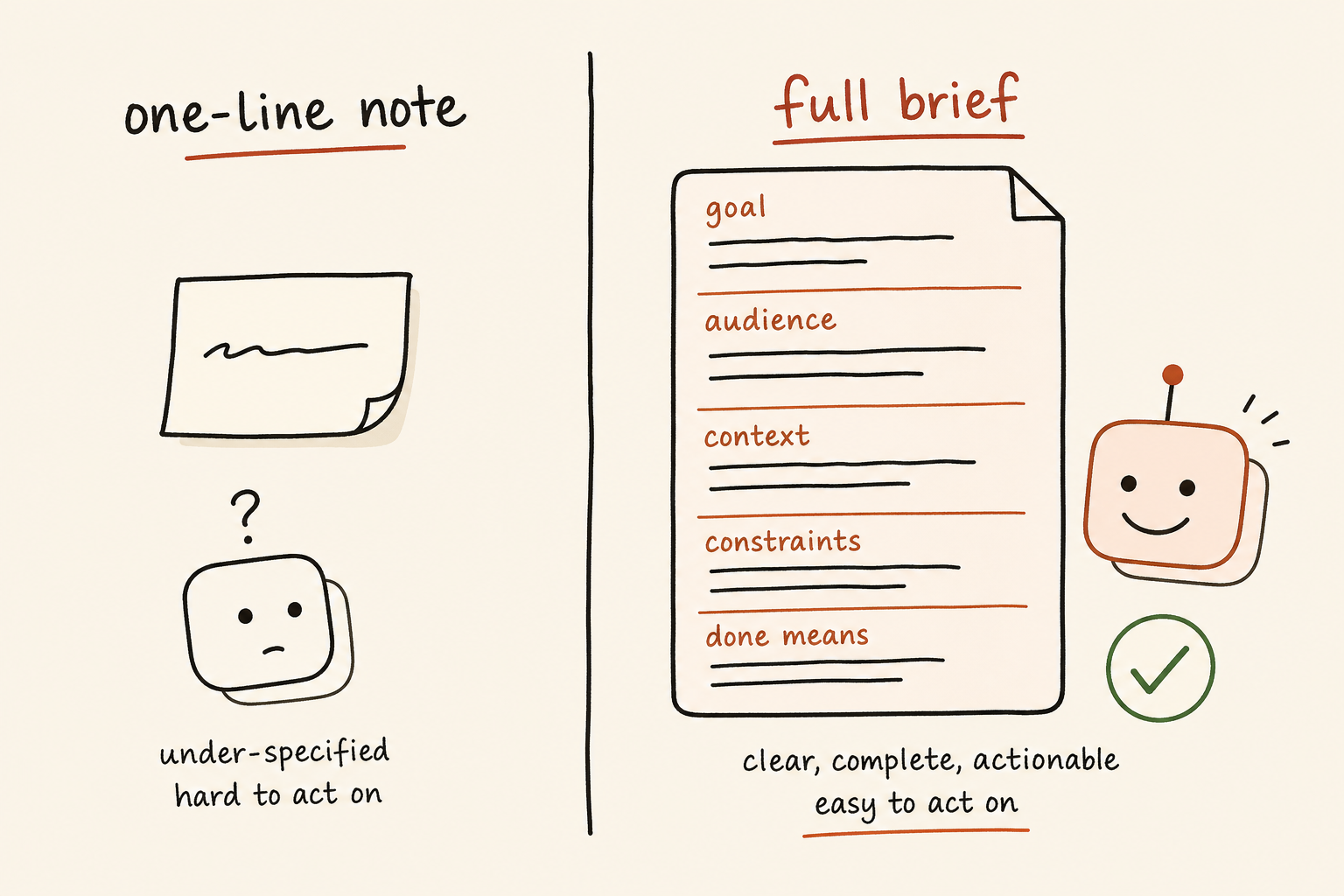
Here's why vague prompts fail. Leave a gap, and the agent fills it with the most average answer going. It can't know your customers are tradies in regional Queensland, not corporate readers in Sydney, unless you tell it. So it guesses, and it guesses bland.
02The shift
Stop typing one-liners. Start writing a proper brief.
The only mental model you need: imagine a sharp new hire started this morning. Clever and quick, but no context yet, nothing about you, your business or your standards. Say "write a follow-up email" and walk off, and you'll get something generic. The agent's the same. It's capable, but it can't read your mind. Everything you tell it becomes its context, the background it reasons from, so the more you give, the sharper it gets.
Same agent, same model, wildly different results. The only thing that changed was how clearly the person asked.
A good brief has six parts. You won't always need all six, but the more you include, the better the result.
- 1RoleWho should it be? "You are an experienced sales manager." Sets the tone and expertise.
- 2ContextWhat's the situation, who's the audience, what's already happened?
- 3TaskOne clear job, stated specifically. Not five vague ones.
- 4ConstraintsThe rules: length, tone, things to avoid, things it must include.
- 5ExamplesA sample of what good looks like, or your past work to copy the style from.
- 6FormatThe shape you want back: a bullet list, a table, an email, three options.
03Watch me do it
The single move that saves me five rounds of disappointing drafts: I show, I don't describe, and I make it interview me before it starts.
Pick the approved AI tool you can use safely and comfortably. People tell me all the time they prefer one over another because "it just gets me", and that's honestly a fine reason to choose. The briefing skill carries across all serious tools.
A few habits do most of the heavy lifting.
Give it my real materials. This is the biggest win. It's far better at copying something concrete than inventing from a description.
- Instead of describing my writing style, I paste three emails I've sent and say "match this voice".
- Instead of explaining a client, I paste the meeting notes.
- Instead of guessing at a structure, I paste a document I liked and say "use this as a template".
Scrub it first. Before you paste anything real, swap the identifying bits for blanks. "Sarah Nguyen at 42 King St owes $842 on invoice 1047" becomes "a customer owes an amount on an overdue invoice, draft a polite reminder". The AI usually does the job just as well, and far less of your private detail leaves your hands. Drop a confidential email into a public tool unscrubbed and you've handed real data to a third party you might not be allowed to. This one habit matters more than any other. If you handle sensitive material a lot, use an approved private or workplace-controlled setup where your data stays inside the right walls.
Don't start from a blank page.
The biggest thing people use AI for isn't writing from scratch. It's fixing up writing they've already done.
So stop staring at the blinking cursor. Paste in what you've got: a rough email, a clumsy paragraph, a half-baked draft, even a messy voice-to-text dump. Then ask it to tidy that up.
It's far better at this. Improving something concrete beats inventing from nothing, every time. You've done the thinking. It just makes it land.
Try it. Take this clunky line:
"Just following up again on the below as I haven't heard back and wanted to circle back to see where things are at."
Ask it to tighten that, and you get:
"Hi, just checking in on this one. Where are things at?"
Same message. Half the words. None of the cringe.
Asks worth keeping handy:
- "Make this warmer and a bit friendlier."
- "Cut it by half but keep the main point."
- "Fix the grammar and spelling, but keep my voice. Don't make it sound like a robot."
One rule: read it before you send it. It's your name on the email, not the machine's.
Stuck getting a file in? The paperclip, and what to do when an upload won't load, are in the appendix Getting started and getting unstuck.
Steer instead of starting over. When the first answer's off, beginners delete everything and rewrite from scratch. I don't. I correct it like a colleague: "good start, make it shorter and drop the jargon", or "the second option is closest, give me three more like that". Each round gets closer, because the agent remembers what we've discussed in that chat. When a chat genuinely drifts, I start fresh, as chapter 3 covers.
The same discipline scales up. Brief a bigger, multi-step job as carefully as you'd brief a single email, and it runs with far less hand-holding.
I'm honest about the limits. A good brief gets me 80 per cent of the way fast. The last 20 per cent is me reading it properly, because it'll write something confident and wrong on facts, numbers, names and dates.
04Your turn
Pick something you'd normally write yourself, and build the brief one part at a time.
- 1Role"You are an experienced [your job], writing to [who]."
- 2Context"We had a sales call last Tuesday. They liked the product but went quiet on price."
- 3Task"Write a short follow-up email that nudges them without being pushy."
- 4Constraints"Under 120 words. Friendly but professional. No fake urgency. Don't mention discounts."
- 5MaterialsPaste a couple of emails you've sent so it copies your voice, or the meeting notes for the real detail.
- 6Format"Give me three versions so I can pick."
Then read what comes back and steer, one specific correction at a time. Two or three rounds of "warmer", "shorter", "lose that line" gets you somewhere you'd actually send.
Here's a reusable brief to keep. Fill in the brackets, delete any line you don't need.
You are an experienced [role, e.g. operations manager / marketer / founder].

Context: [what's going on, who the audience is, what's already happened].

Task: [exactly what you want done, in one clear sentence].

Constraints:
- Length: [e.g. under 150 words]
- Tone: [e.g. warm and direct, no corporate jargon]
- Must include: [anything non-negotiable]
- Avoid: [anything to stay away from]

Here is an example of the style I want, copy this voice:
[paste 1-3 samples of your own past work]

Format: give me [e.g. three options as a bulleted list].

Before you start, if anything is unclear, ask me up to five questions first.
That last line is quietly powerful. Inviting questions before it writes catches the gaps in your own brief.
Two assets to keep handy:
- A six-word cheat sheet, pinned to a note: role, context, task, constraints, examples, format. Before any prompt that matters, run the list and ask "have I given it each of these?" Ten seconds, and it's the difference between a usable answer and a redo.
- A "voice file": a plain note with three or four pieces of your best writing. When you want it to sound like you, paste the file in with "match this voice". Build it once, use it forever.
The starter skills with this playbook give you a ready-made version of both.
Moves most people never discover.
Most people stop at "ask the question". The real gains hide in what you do with the answer. These five take seconds and almost nobody thinks to try them.
- Make it argue against itself. When you get an answer you're about to trust, say: "Now argue the other side. What's the strongest case that you're wrong?" It'll find the holes it just glossed over. You learn more from the rebuttal than the answer.
- Hand back the dud and ask what you did wrong. Got a rubbish result? Don't just sigh and rewrite the whole thing. Paste it back and ask: "This missed the mark. What was unclear in how I asked?" It'll tell you the gap in your own wording, and your next prompt fixes itself. You're being taught to ask better, for free.
- Get it to explain the job back before it starts. One line: "Before you do anything, tell me in your own words what you think I'm asking for." Thirty seconds, and you catch the misunderstanding before it writes three pages in the wrong direction. Cheapest insurance going.
- Ask what a pro would ask that you didn't. "What would an expert in this want to know that I haven't told you?" This is different from it asking about your brief. This drags out the blind spots you didn't even know you had, the questions you're too green to ask yourself.
- Point it at your own plan, not its answer. Tell it your decision and say: "Poke holes in this. Where am I likely to regret it?" A free second opinion on your thinking, with none of the politeness a mate would give you.
05Keep it safe
The agent's confident, so you stay the editor. Every time.
- It'll be confidently wrong. It states guesses as facts. Never trust a number, name, date, quote or legal point without checking it yourself. A good brief reduces this, it doesn't remove it.
- Mind what you paste in. Giving it your real materials means sharing them with the AI company. Don't paste customer details, passwords, NDA contracts, or health and financial records. If it's sensitive, strip the names and numbers first, or check your workplace's policy before using a public tool.
- Don't let it sound like everyone else. Skip the "match my voice" step and you get that flat, robotic tone. Always give it your real examples, and read the final version aloud to check it sounds like you.
06The payoff
A good brief turns a five-round back-and-forth into one or two, in your voice, not a press release.
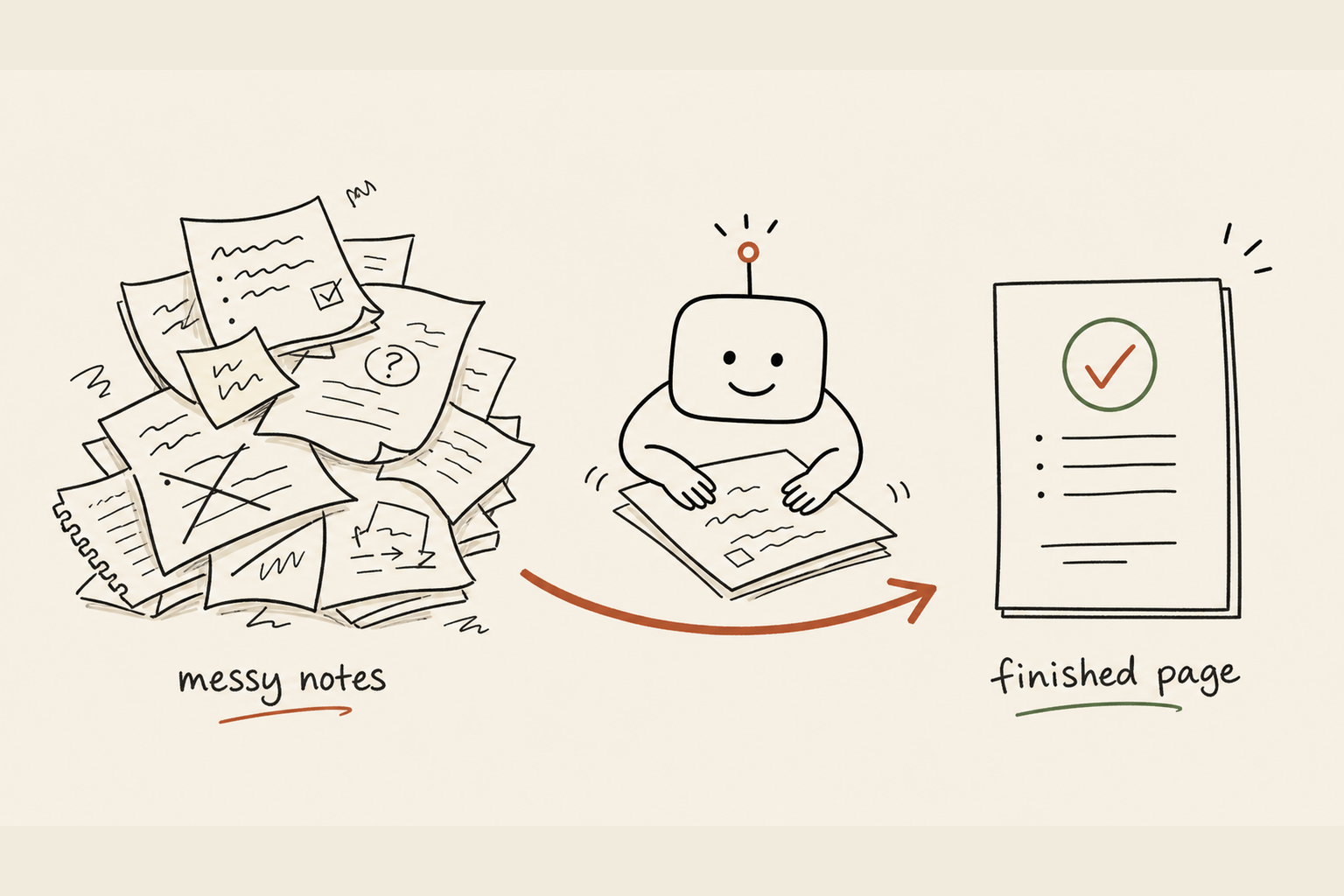
Take the next email you have to write. Before you start, give it all six parts: role, context, task, constraints, one real example of your writing, and the format you want. Compare what comes back to what a one-liner would've given you. That gap is the whole chapter. Once you feel it, you won't go back.