Set up your agent · 6 of 12
Fresh sessions
What you get from this page
- Clear rules for when to start a new chat.
- A handover note that carries the important part across.
- An instruction that makes the agent tell you when it's time.
2 min read, about 5 to set up
01What it is
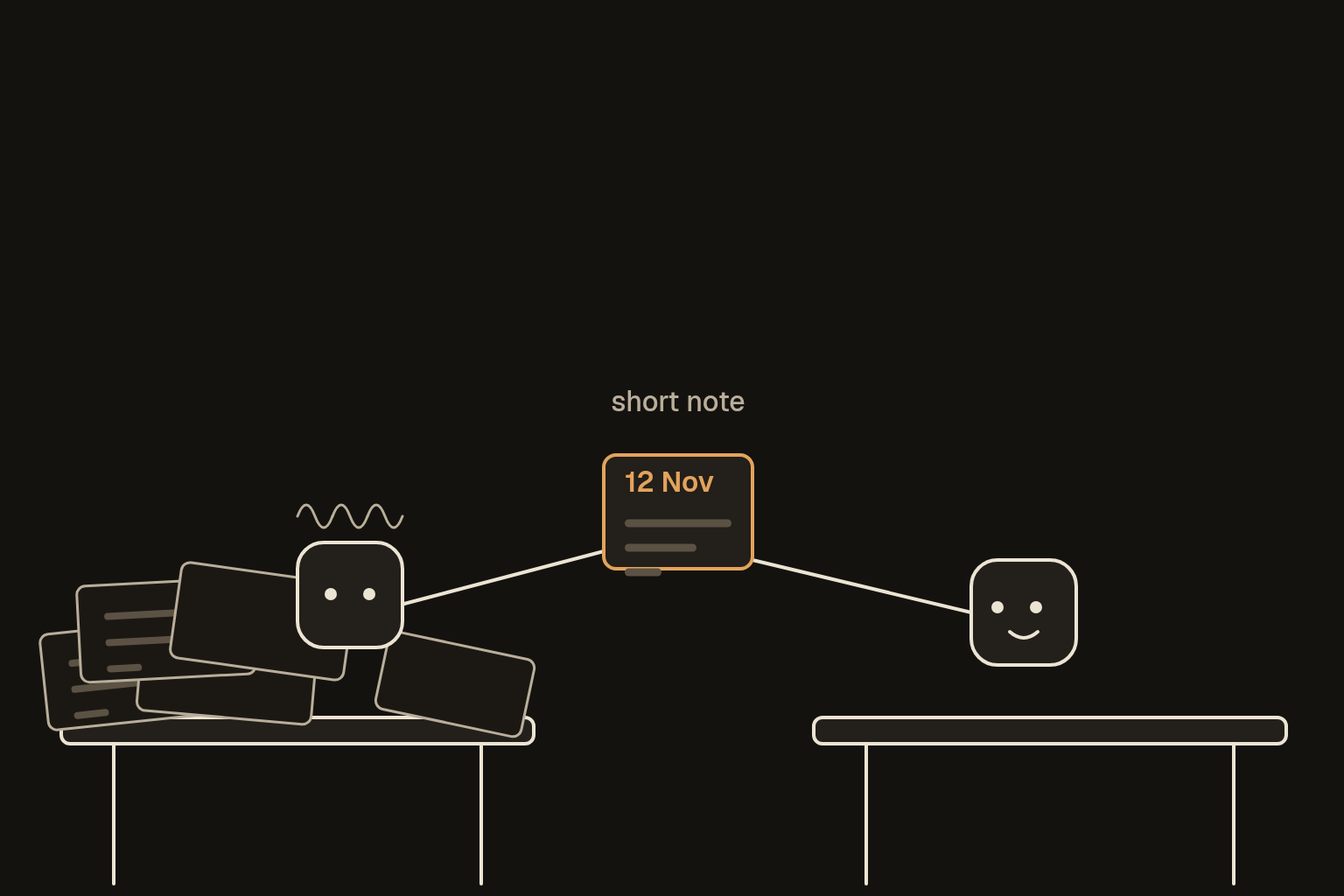
Starting a fresh session on purpose, before a long chat starts going wrong. As Sessions, context and memory explains, a chat holds everything said in it, and once it's crowded the tool starts dropping or squashing older parts. A new chat clears the desk, and a short handover note brings across what matters.
02When to start fresh
Start a new chat when any of these is true:
- The topic changes. One job per chat, even when the old chat's still open.
- It starts slipping. It forgets an early instruction, mixes up names or versions, repeats itself or contradicts itself.
- A chunk of work is finished, such as a draft signed off or a decision made.
- You're about to do something important, like a final version, a calculation or a check, and you want it working from a clean desk.
- The chat has run for a long session of back and forth, even if it seems fine.
03The handover note
Before you leave the old chat, paste this:
Write me a handover note I can paste into a fresh chat:
- what we're working on, in one line
- where we got to
- the decisions so far, and why
- what's still open or unsure
- what to do next
Only include what was actually said or decided here. Keep it short.
Read it before you use it. If something important is missing, ask for it to be added, because whatever isn't in the note doesn't make it across. If the old chat had started contradicting itself, check each decision in the note against what you remember agreeing, and fix it before you paste it.
04Let it warn you
Add this to your standing instructions, and the agent tells you when it's time:
If a chat gets long, changes topic, or you notice you're losing track of earlier details, tell me it's time for a fresh chat and offer to write a handover note.05Picking up again
In the new chat, paste your memory note if you keep one, then the handover note, then this:
Here's a handover note from an earlier chat. Read it, tell me in two lines where we are and what's next, and ask me anything that's unclear before you carry on.06Is it working
The test is how the fresh chat starts. If it can tell you in two lines where you are and what's next, and gets the decisions right, the handover worked. If it asks about something you'd settled, add that decision to the handover prompt's output next time, or to your memory note.
Some tools do part of this for you. Projects keep shared notes across chats, some agent tools summarise older parts as they go, and some give every job its own bot. A handover note still helps in all of them, because you decide what carries across.