How it works · 4 of 4
Models and reasoning levels
What you get from this page
- What the model menu in your tool actually means.
- When a thinking mode is worth the wait, and when it isn't.
- Why a model change can quietly change your results.
3 min read
01What a model is
A model is the trained network that does the thinking. Most AI tools offer more than one, under names that change often. The names matter less than two things, how big the model is and whether it can think before it answers.
02Bigger and smaller
Bigger models are generally better at hard problems, and slower and more expensive to run. Smaller ones, often labelled fast, mini or lite, are quick and cheap, and fine for simple jobs. They slip more often on anything with several steps, like a calculation, a plan or a long document.
Your plan affects which one you get. Some plans move you to a smaller model when you hit a usage limit, so if the answers suddenly get worse, check which model answered.
03Thinking modes
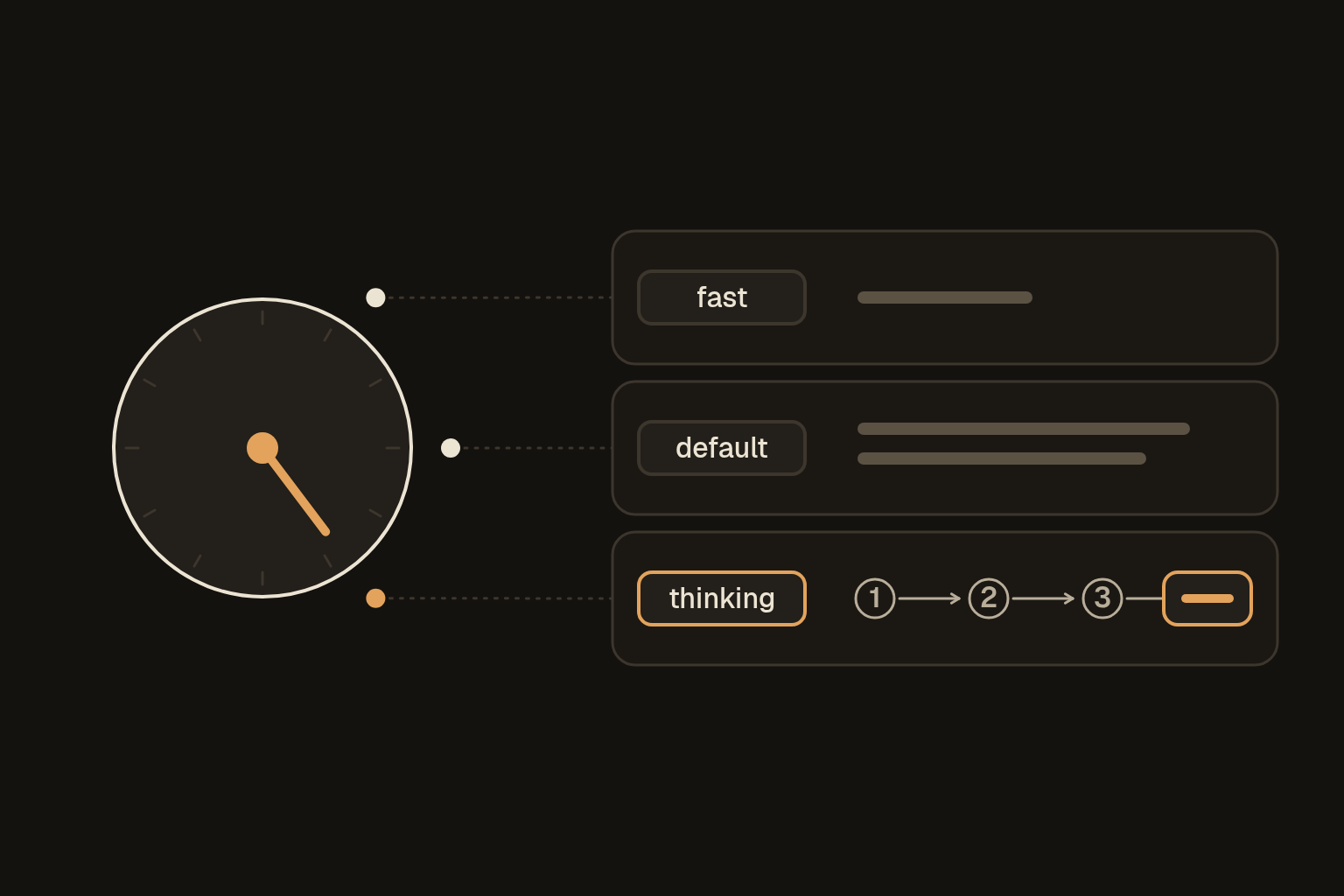
Some models can work through a problem in steps before they answer. Tools call it thinking, reasoning or extended thinking, and some let you choose how hard it thinks, with a setting like low, medium or high effort.
More thinking helps most on:
- maths and anything with numbers that have to add up;
- planning and comparing options;
- analysing a long document or a set of figures;
- anything where one wrong step spoils the rest.
It's wasted on a quick rewrite, a summary of something short or a simple question, where it just makes you wait. It also uses more of your plan's allowance, because the working-out counts too.
04Why it matters
- The wrong pick costs you either way. Too small and you get a shallow or wrong answer. Too big and you wait and spend for nothing.
- Thinking reduces mistakes, and it doesn't remove them. A careful-sounding answer can still be wrong, so Check the facts still applies.
- Changing models changes behaviour. A prompt that worked well on one model can work differently on the next, even an upgrade. When you change models, rerun your checks, as Test your setup explains.
05A quick guide
Fast means a smaller model, default is whatever your tool uses when you don't choose, and thinking means a thinking mode is on.
| Job | Pick |
|---|---|
| Rewrite, shorten or summarise something short, quick question | Fast or default |
| Draft an email, a post or a document | Default |
| Summarise or analyse a long document | Default, or thinking if a decision rests on it |
| Plan, compare options, work with numbers, tricky reasoning | Thinking |
| Anything important or hard to undo | Thinking, then check the facts |
06Ask it
Not sure? Ask the tool:
Here's the job: [describe it in one or two lines].
Which of your models and settings should I use for this, and why?
What would I lose with a faster one, and what would I gain with a slower one?